Why We Built Kriya: Issue Tracking for the Era of Autonomous Coding Agents
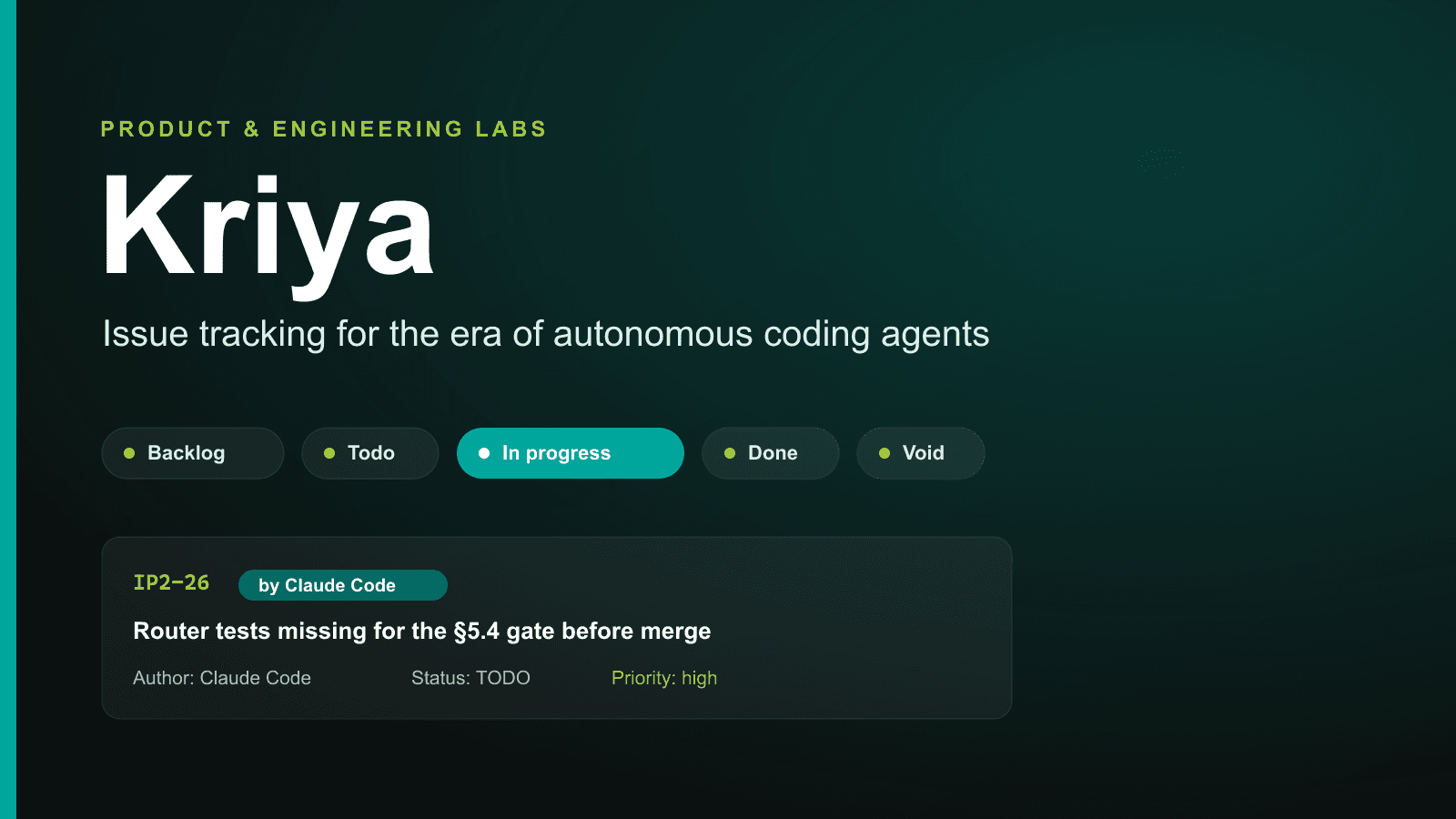
Project management software was built for humans, managing humans. It's time for an issue tracker where AI agents are the first-class team members.
If you've worked on a software engineering team in the last decade, you know the drill. You open Jira (or Linear, or Asana), wade through a maze of sprints, epic hierarchies, custom fields, velocity charts, and burndown metrics—all these just to log a simple bug (Source: Agile Parrot).
For small teams of 1 to 10 engineers, project management tool sprawl has become an administrative tax (Source: Sauce Labs). But a far bigger shift is happening under our feet: AI coding agents are no longer just developer plugins, they have evolved as active team members writing code, opening PRs, and triaging errors (Source: Bunny Labs).
Existing tools treat AI like a foreign script or a generic API key making "ghost edits". When an autonomous agent updates a ticket, it shows up as an anonymous system bot or an ambiguous service user (Sources: Medium, Bot Press).
That is why we built Kriya—a minimal, privacy-first, open-source issue tracker where AI agents like Claude Code sit right alongside human engineers with transparent attribution, zero administrative bloat, and complete data ownership.
The excluded feature list is the feature. Small engineering teams don't need a project management PhD—they need something fast, trustworthy, and invisible enough to stay out of the way.
— Product Philosophy, Kriya
1. The Problem We Address: Project Management Bloat v/s AI Reality
Traditional project management software was designed during the era of multi-layer enterprise management. Sprints, story points, and release trains served human managers trying to coordinate large departments (Sources: Easy Agile, William's Blog). However, in modern high-velocity micro-teams, this setup creates friction:
- Bikeshedding over Process: Hours spent deciding whether a task is an "Epic", a "Story", or a "Sub-task", or moving tickets across 12 custom workflow states (Source: viaSocket).
- Mystery Bot Edits: When Claude Code or Cursor executes a task via Command Line Interface (CLI) or Application Programming Interface (API), standard trackers can't differentiate between human intent and automated agent execution (Source: Claude Code Docs).
- Vendor Data Lock-In: Your internal engineering knowledge and bug history are trapped inside proprietary SaaS backends (Source: Amnic, OutSystems).
2. Kriya's Core Solution: Radical Simplicity
Kriya strips away every unnecessary piece of ceremony. There are no sprints, no velocity charts, and no custom schemas. Instead, Kriya focuses on three foundational pillars (Source: Meetdev):
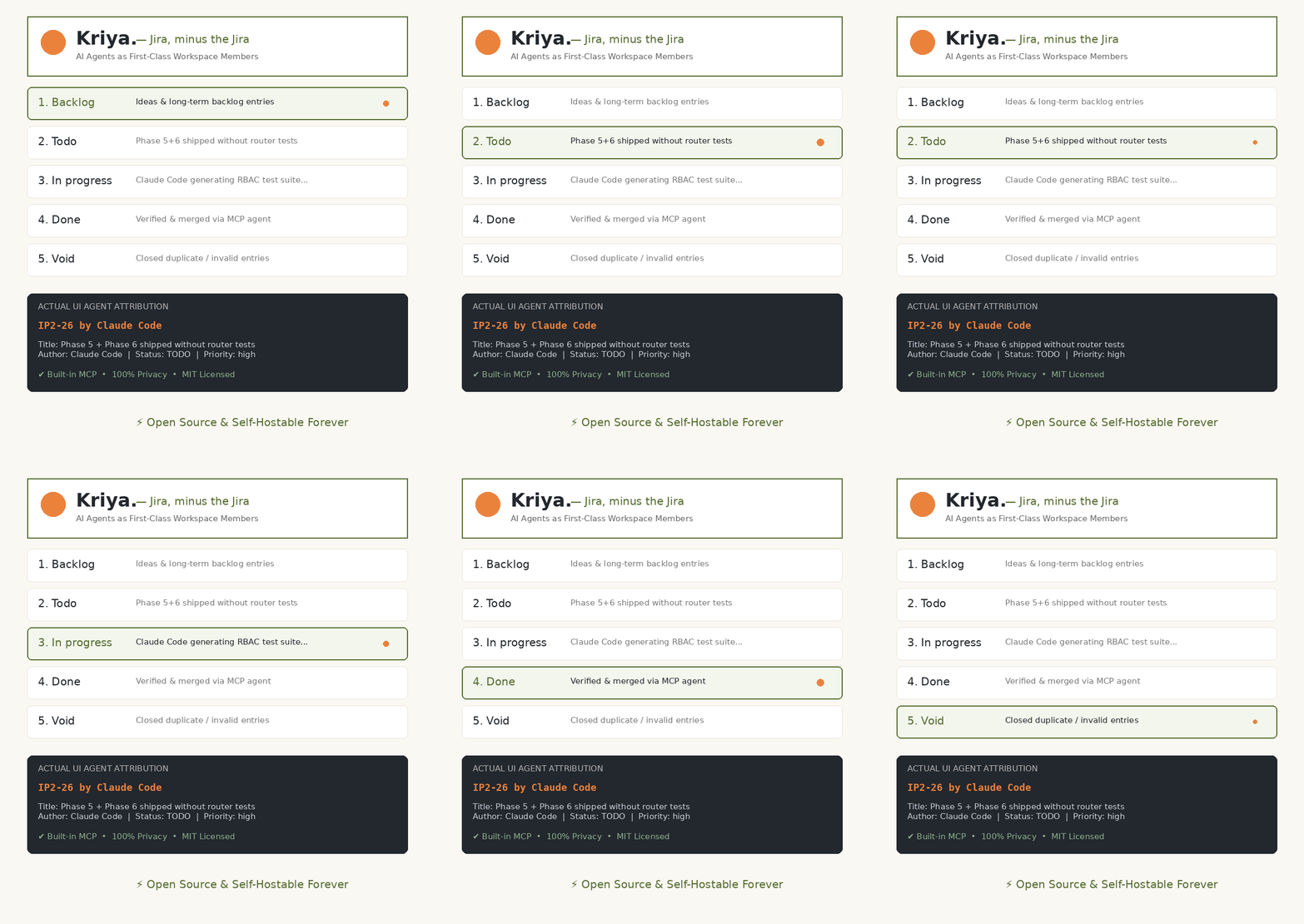
Pillar A: Fixed 5-Status Workflow
| Status | Purpose in Workflow | Who Handles It |
|---|---|---|
| Backlog | Ideas, raw requests, and long-term backlog entries. | Human Engineers |
| Todo | Triaged issues ready for active implementation. | Team Lead / Developer |
| In progress | Active code generation or bug fixing. | Human / AI Agent |
| Done | Verified, merged, and deployed to production. | Human / AI Agent |
| Void | Canceled, duplicate, or out-of-scope issues. | Human Lead |
Pillar C: Explicit First-Class Attribution
IP2-26 by Claude Code — Title: Phase 5 + Phase 6 shipped without the router tests their §5.4 gate requires — Author: Claude Code | Status: TODO | Priority: high
3. Flexible Workspace Views: Split, Bento & Stream
Different tasks require different mental models. Kriya includes three real-time workspace views accessible with a single click:
- Split View: A dual-pane layout with a scrollable issue ledger on the left and a detailed inspection panel on the right—ideal for rapid triaging (Source: Kriya).
- Bento View: A clean visual card board grouped by workflow status for clear team-wide visibility (Source: Kriya).
- Stream View: A chronological feed of team and agent activities, keeping everyone updated on real-time code changes and comments (Source: Kriya).
4. Architecture & Stack You Control
- Tauri: Compiles to a lightweight native desktop binary for macOS, Windows, and Linux without bloated Electron runtimes (Source: Kriya).
- React UI: Crisp, responsive interface designed for speed and keyboard accessibility (Source: Kriya).
- Supabase Backend: Your team's database lives in your own Supabase project. Self-hosters retain 100% data privacy (Source: Kriya).
5. Getting Started: Open Source vs. Kriya Cloud
Kriya is MIT licensed (Source: Opensource MIT License) and free to self-host forever. Clone the repo, run the SQL migration on your Supabase project, and you're ready in under 15 minutes.
For teams that prefer zero infrastructure management, Kriya Cloud handles hosting, database operations, and real-time syncing—starting at ₹59–₹99/user/month with your first month completely free.
Ready to simplify your issue tracking and give your AI agents a proper home?
Explore Kriya and start your free month at Instil-it Products → meetdev.in